Traditionally, applications were deployed directly onto an operating system.
OS
 ├─ Application A
 ├─ Application B
 └─ Application C
This often causes problems:
- Dependency conflicts
- Different library versions
- Difficult deployments
- "Works on my machine" syndrome
Containers solve this by packaging:
- The application
- Required libraries
- Configuration
- Runtime dependencies
into a single portable unit.
As an operator you will frequently encounter and use containers throughout your career - be it to assess their security posture or to operate deployed tooling. This does not mean you need to be a DevOps engineer, but you absolutely should be able to freely reason about containerization on the surface level.
What Is A Container?
A container is an isolated process running on a host operating system.
Unlike a Virtual Machine, a container does NOT contain:
- Its own kernel
- Its own hardware emulation
- Its own operating system
Instead it shares the host kernel. Each container believes it has:
- Its own filesystem
- Its own network stack
- Its own processes
even though it is ultimately sharing the host kernel.
What Is Docker?
Docker is the most common container platform.
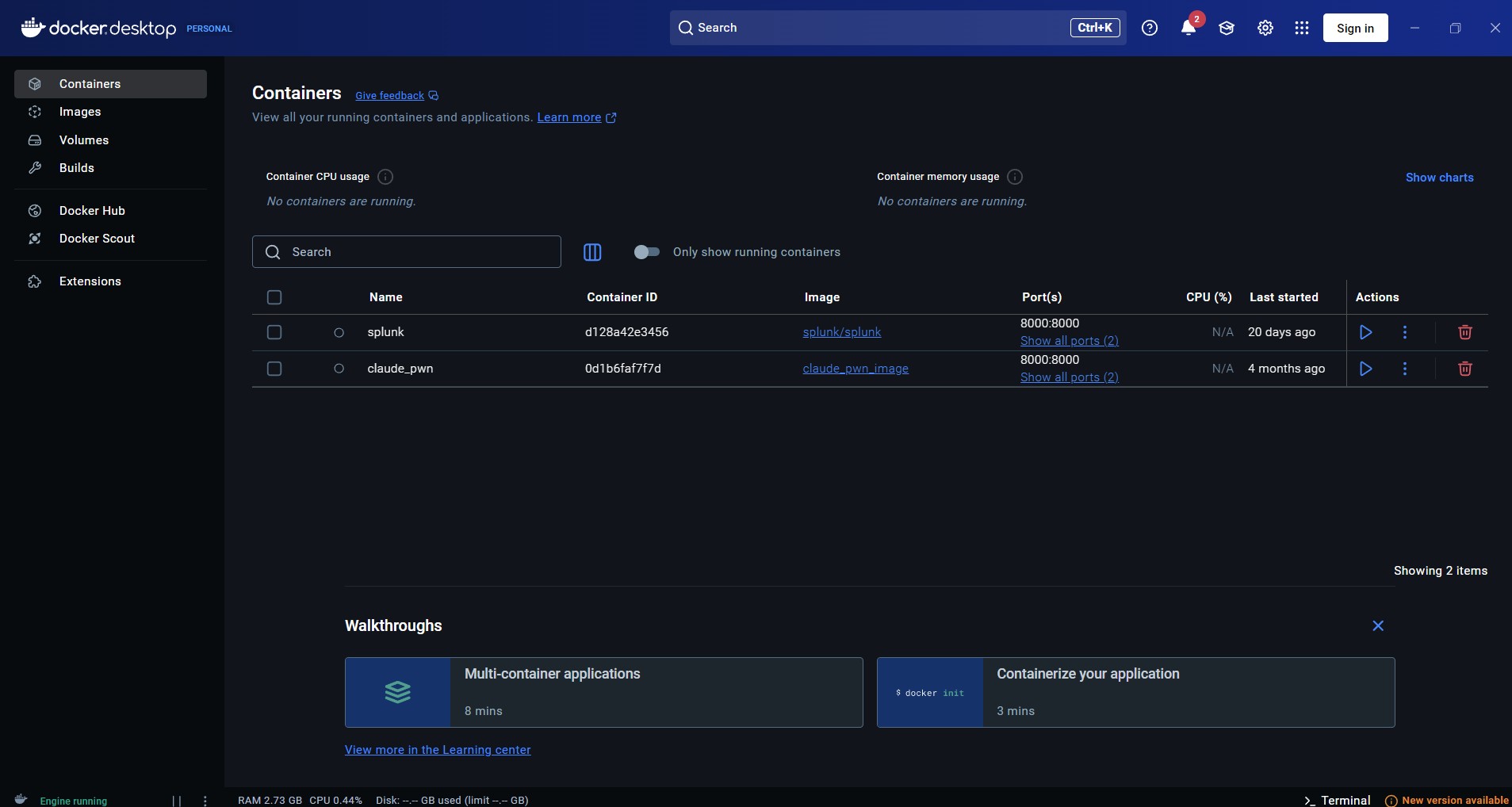
It provides:
- Image management
- Container execution
- Networking
- Storage volumes
- Registry integration
Think of Docker as:
VMware
      ↕
Virtual Machines

Docker
      ↕
Containers
Docker itself is not the container.
Docker is the platform that manages containers.
Container vs Virtual Machine
Virtual Machine
Physical Hardware

Host OS

Hypervisor

Guest OS

Applications
Advantages:
- Strong isolation
- Different operating systems possible
- Separate kernels
Disadvantages:
- Large
- More RAM
- More CPU
- Slower startup
Container
Physical Hardware

Host OS

Docker

Container

Application
Advantages:
- Very lightweight
- Fast startup
- Minimal resource usage
- Easy deployment
Disadvantages:
- Shares host kernel
- Weaker isolation
- Vulnerable to container escapes
Why Operators Care About Containers
Modern environments heavily use:
- Docker
- Kubernetes
- OpenShift
- ECS
- AKS
- EKS
- GKE
Many production applications run inside containers.
Compromising a web application today often means:
Exploit Web App
        ↓
Obtain Container Shell
        ↓
Enumerate Container
        ↓
Escape Container
        ↓
Compromise Host
Container Escapes (High Level)
A container escape occurs when an attacker breaks out of the container and gains access to the host.
Host
 └─ Container
      └─ Attacker

Container Escape

Host
 └─ Attacker
This is usually possible because:
- Dangerous Docker configurations
- Excessive Linux capabilities
- Privileged containers
- Mounted host filesystems
- Docker daemon exposure
- Kernel vulnerabilities
Quick Docker Commands
List containers:
docker ps
List all containers:
docker ps -a
List images:
docker images
Start container:
docker run ubuntu
Start interactive shell:
docker run -it ubuntu bash
Stop container:
docker stop <id>
Remove container:
docker rm <id>
Splunk With Docker (5 Minute Setup)
Pull Splunk:
docker pull splunk/splunk
Run Splunk:
docker run -d \
-p 8000:8000 \
-p 8088:8088 \
-p 8089:8089 \
-e SPLUNK_START_ARGS="--accept-license" \
-e SPLUNK_PASSWORD="Password123!" \
--name splunk \
splunk/splunk
Verify:
docker ps
Open localhost on the port we exposed:
http://localhost:8000
Login:
Username: admin
Password: Password123!
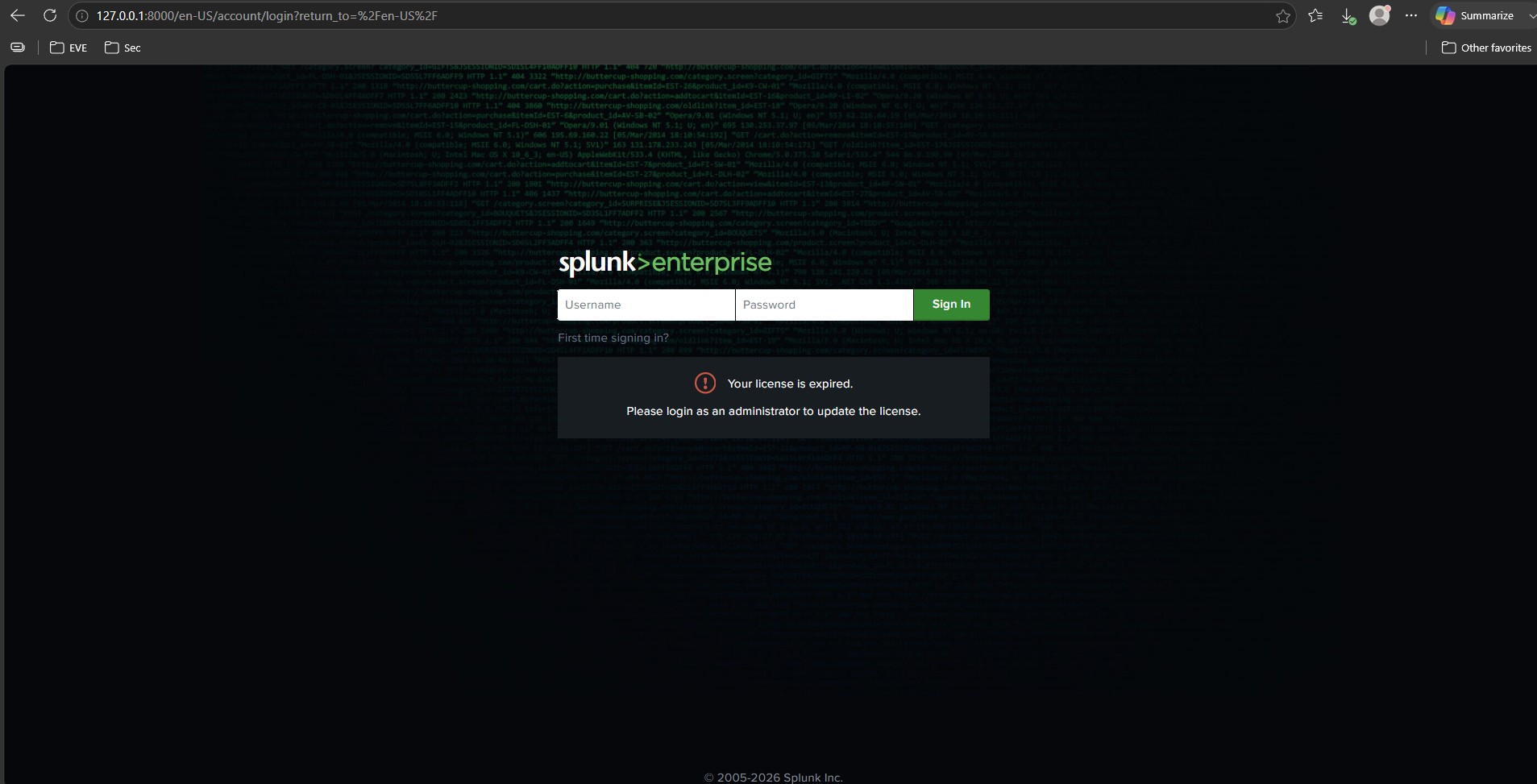
You now have a fully functional Splunk instance running in a container.